How I moved 640 pages off WordPress without losing content or rankings
A case study of migrating the marketing site of one of the largest European SaaS platforms for restaurants. Three months of work, PageSpeed up from 56 to 90+, 640 migrated URLs, and automated proof that nothing got lost.
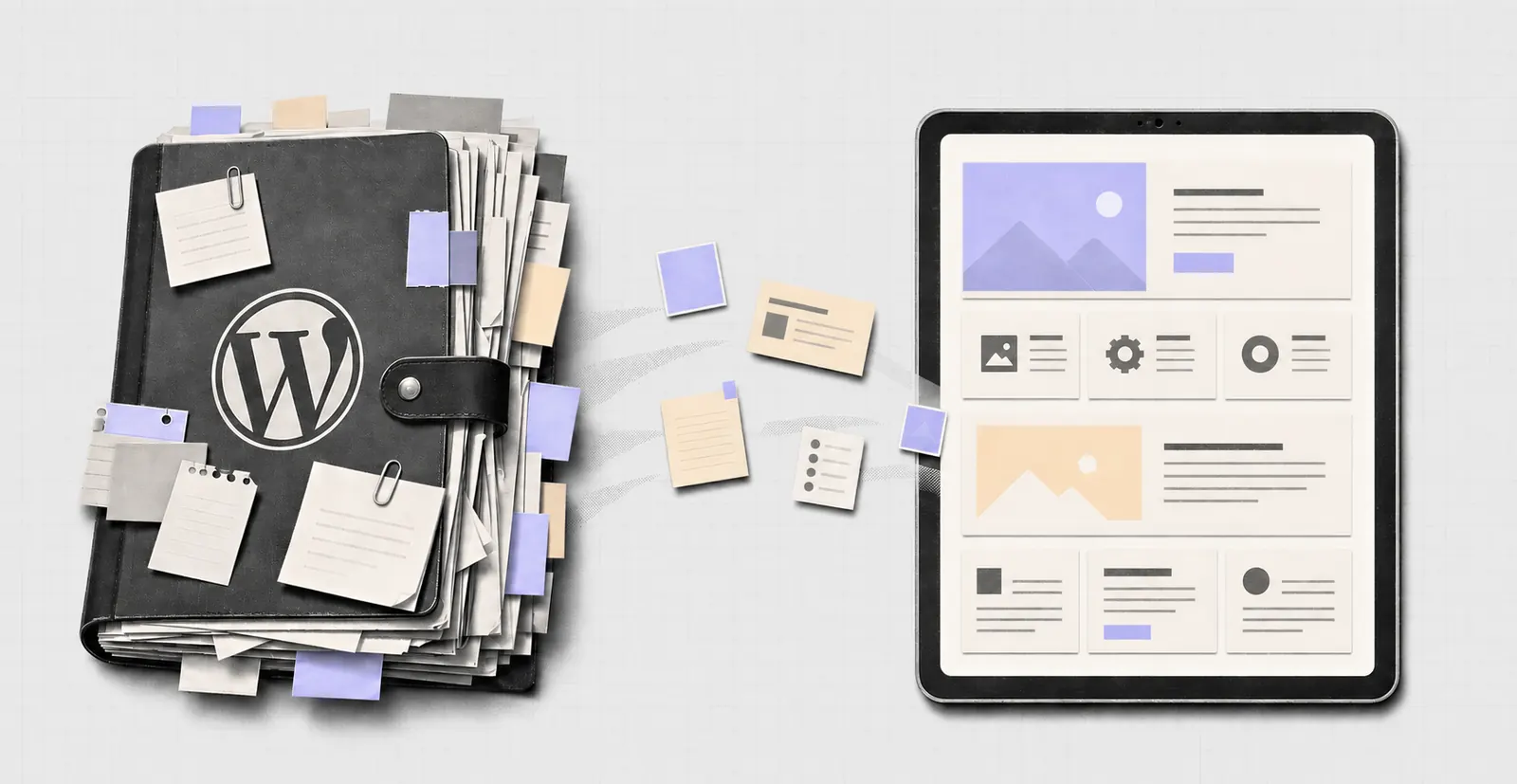
The situation: a site that outgrew WordPress
The company runs one of the largest European SaaS platforms for restaurants, operating since 2012. Restaurants across dozens of countries use it to take online orders directly through their own website and app, without paying a cut to intermediaries, and to run dine-in sales, delivery, and loyalty programs on top of it. New customers come to the company mainly through its marketing site, and that’s what this story is about.
The site had run on WordPress for five years and grown to a sizeable footprint in that time: 421 blog articles, 188 pages, 22 customer stories, and 9 webinars, all of it in two languages. That’s 640 URLs pulling in customers from Google every day.
WordPress wasn’t a bad choice. For years it gave the marketing team full freedom. Anyone could publish an article or build a new page without waiting on a developer. The problem is that after five years of that freedom, the site started holding the company back, in three ways.
The site was slow. On Google’s PageSpeed Insights test, the mobile score sat at 56 out of 100. The main content took over 8 seconds to load. That’s not a cosmetic detail. Google’s own research shows that the longer a page takes to load, the more visitors bail, and Google itself ranks slow pages lower in search results. The company was already paying for an extra speed-boosting tool, and the score was still weak.
The site was inconsistent. Over five years, different people built pages at different times, without shared standards. Sections that were meant to look identical differed in small ways, a different gap here, a different shadow there, a different button style somewhere else. Worse, editing one paragraph could throw off the look of an entire section, so nobody wanted to touch the older pages. And there were hundreds of them.
Nobody fully knew what the site contained. Some content (button labels, animated counters, that kind of thing) got glued onto the page only in the visitor’s browser, by scripts. That sounds like a technical footnote, but during a migration it’s a minefield: copy the page “as is” and you copy empty placeholders instead of the actual text. I’ll come back to this, because it’s exactly where most migrations fall apart.
The company decided to move the site to a modern stack. We picked the direction and the target system together, after going through the alternatives. I was responsible for the plan, the execution, and the proof that nothing got lost. The client’s team supplied data about the site, flagged the parameters critical for SEO, took an active part in quality checks, and defined what day-to-day work on the site should look like after the migration.
The core promise: nothing gets lost
This site earned traffic from Google that had been built up over years. Every dropped article, every changed heading, every broken link is a real risk of losing rankings, and lost rankings mean lost sales.
So I built the whole project on one hard rule:
The content on the new site has to be word-for-word identical to the old one. The same text, the same headings, the same descriptions Google sees, the same web of links between pages. Not “similar” and not “rewritten to be better.” Identical.
We agreed on a different approach for the look: evolution, not revolution. The site customers knew had to still look like the same site, just tidied up. I didn’t change what worked. I unified what had drifted, over five years, into dozens of accidental variations.
That split (content untouched, look unified) is possible thanks to the technology we moved to. The new system keeps content and presentation separate. In practice that means text can move over comma for comma while being displayed in a clean, consistent shell.
Why you can’t do this by hand
At 640 URLs, manually copying content over means months of work and a guarantee of mistakes nobody will catch. Someone copying the hundredth page in a row won’t notice that a paragraph vanished, or that two numbers swapped places in a table.
So I built a set of custom tools for this migration that treat content as data to be counted, moved, and checked:
1. A full inventory of the site. The project started with a list of all 640 URLs, with a decision made for each one individually: migrate 628, redirect only 5, deliberately skip 5. That list was the reference point for the rest of the project. Nothing could quietly fall through the cracks, because everything was counted.
2. Pulling content the way a human sees it. Remember the content glued on by browser scripts? My tools opened every page the way a browser does, and only then pulled the content out of what a visitor actually sees. That’s how the new site ended up with real button text and real numbers, instead of empty placeholders.
3. Every photo and graphic. Every image was migrated, converted to a modern, lighter format, and given a description. Separate checklists for 283 pages made sure no image went missing and every one landed in the right spot.
4. Both language versions. The site ran in English and Polish. I carried over the links between the two versions in full, which Polish article matches which English one, 421 articles, customer stories in pairs, categories in both languages.
5. Redirects from the old URLs. I generated 793 redirects, so every old link (from Google, from newsletters, from other sites) lands in the right place on the new site. Visitors never hit a “page not found” error, and Google smoothly carries over the rankings the old URLs had earned to the new ones.
Proof instead of promises: an automated check on every page
This is the part I’m proudest of, and it’s the part worth asking any migration contractor about.
“We checked it, looks good” doesn’t cut it at 640 pages. Especially since a refreshed look is great at hiding gaps, a new page simply looks better than the old one, so nobody notices that a paragraph disappeared along the way.
So I built a checking tool that compared every new page against the original:
- content word for word,
- the layout of tables, lists, and galleries (not just “is the text there” but “is it in the right place and order”),
- the titles and descriptions Google sees,
- every link in the menu and footer, in both languages,
- the full set of redirects.
Every page went through a 22-point checklist, and one simple rule applied: a page is done when the check shows zero differences from the original. Not before. I reran the check after every round of fixes until the difference count for the whole site dropped to zero.
That loop caught bugs no human would have found by hand: animations flattened into a single static image, photo carousels reduced to just their first picture, swapped numbers in customer results, missing dates on articles. Every bug it found became a new test that I then ran against the rest of the site.
The client didn’t have to take my word for it that nothing was lost. They got a report they could verify themselves. Some of the differences were actually caught by the client’s own team during quality checks, since they knew best how a given section was supposed to look and what used to be there.
The result: from 56 to 90+ on Google’s speed test
The new site scores over 90 out of 100 on Google’s speed test on mobile, up from 56 before the migration. The main content, which used to take over 8 seconds to load, now falls within the range Google marks green.
Where does the difference come from? The new site is built so that speed is a native property, not a plugin bolted on afterward. Lighter images served from servers close to the visitor, less unnecessary code sent to the browser, page elements that don’t jump around while loading. The old site needed a paid speed-boosting tool just to hit 56. The new one hits 90+ with no extras at all.
For the company, that’s not a test score, it’s a business fact. Visitors coming from ads and from Google don’t drop off while the page loads, and Google has no reason to rank the site lower for being slow.
Bonus: marketing can work without fear again
While tidying up the look, the entire site was rebuilt from 35 consistent building blocks: headers, pricing tables, comparison tables, testimonial sections, galleries, FAQ sections. Before, similar elements existed in 97 different variants, because everyone had built them their own way.
Today the marketing team edits content in a simple panel with a live preview, and they are physically unable to break the site’s look, because the look isn’t part of the content. Repeated sections (customer testimonials, for example) live in one place: fix it once, and the change shows up across dozens of pages. Any new page assembled from these blocks fits the rest of the site by definition.
So the thing that was WordPress’s biggest strength (marketing works on its own, without a developer) stayed. What disappeared was its cost: the mess, and the fear of touching old pages.
The numbers
| Time to complete | about 3 months |
| Working model | contractor handled the technical side, client’s team handled system choice, SEO priorities, and quality checks |
| Scope | 640 URLs: 421 articles, 188 pages, 22 customer stories, 9 webinars |
| Languages | English + Polish |
| Content lost | zero, verified by an automated word-for-word check |
| Redirects from old URLs | 793 |
| Google speed score (mobile) | 56 → over 90 |
| Main content load time | 8.2 seconds → Google’s green range |
| Consistency | 97 kinds of sections → 35 consistent building blocks |
What this means for you
If you’re weighing a move off WordPress, here are three things worth taking from this story.
1. A migration doesn’t have to put your Google rankings at risk. There’s one condition: content moves over word for word, old URLs get a complete set of redirects, and the contractor can prove it, not just promise it.
2. On a large site, manually copying content over is the most expensive and the riskiest option. Tools that migrate and verify content automatically cost less than months of manual labor, and they give you something manual work never can: a report confirming that nothing is missing.
3. Ask any contractor how they’ll verify completeness. “We’ll look over the site after the migration” isn’t enough. A real answer includes the words “comparison against the original” and “page by page.”
For the curious: the new site runs on Next.js and Payload CMS, a modern stack used by large websites. The old site’s measurement was taken with PageSpeed Insights in July 2026.
Got an idea or a problem worth validating?
Send a brief and you get something concrete back within 24 hours. Usually I can tell from the first email whether the project fits.